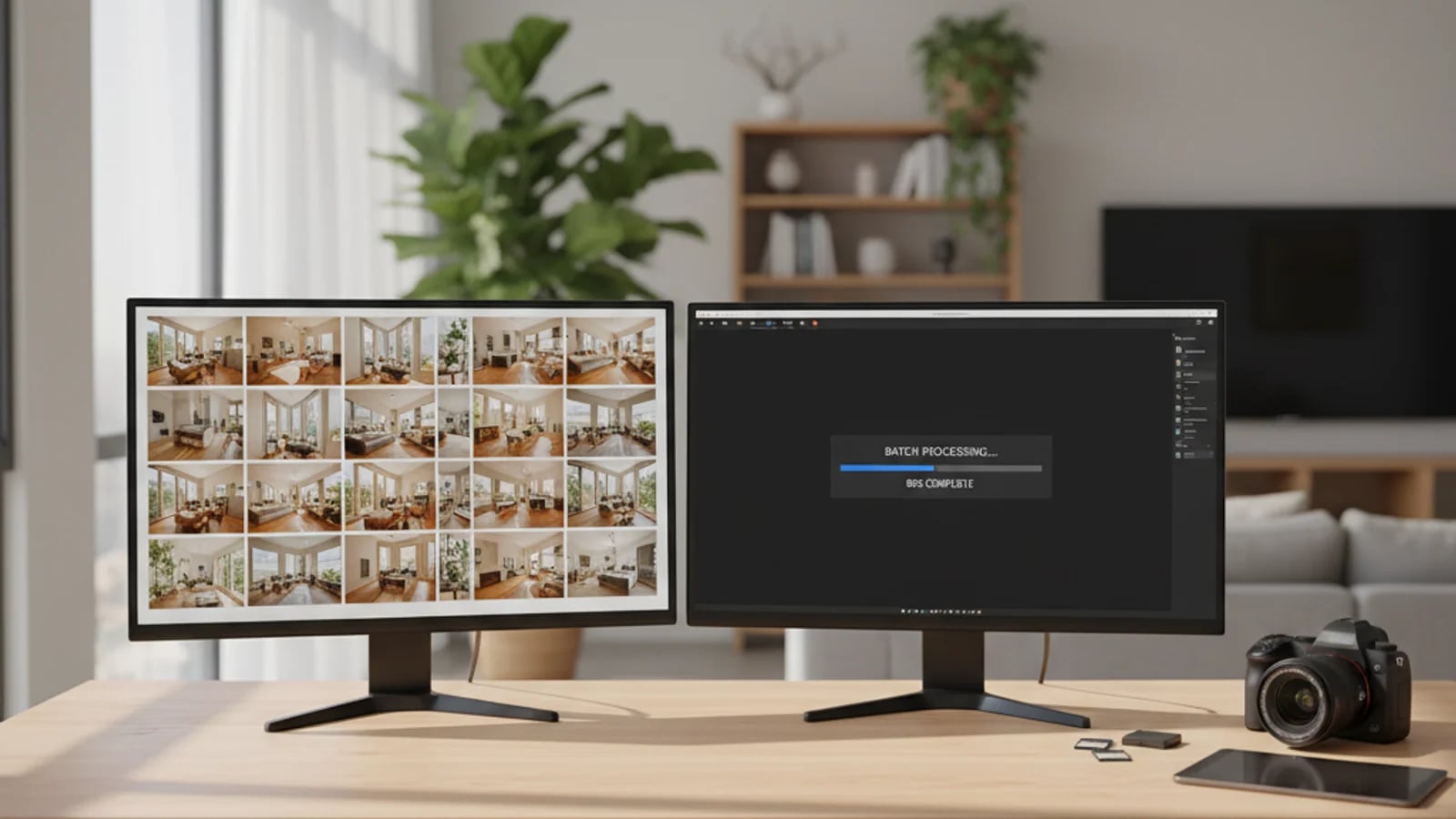
For most professional real estate photographers, the bottleneck is not the shoot. It is post. When you are covering eight or ten listings a week, the hours spent on white balance, vertical correction, sky cleanup, and HDR balancing become the wall between you and a real business. The shoot is finite. Editing is what scales — or doesn't. This post is about what changes when you batch the workflow, and how to use that to grow from a solo operator into a multi-listing-per-day business without hiring an editor.
Why manual editing caps your capacity
Even with strong Lightroom presets, manual editing is a linear process. Each frame still needs human oversight to keep a 25-image gallery visually consistent — a kitchen edited at 5,200K paired with a hallway at 6,000K reads as amateur within seconds. The Adobe Lightroom batch editing tools help, but most photographers still spend 45 to 90 minutes on a single full listing once detail work and review are included.
Multiply that by a busy month — 40 to 60 listings — and you are spending more time at a desk than on site. The cap on your business is not how many properties you can shoot. It is how many you can edit before the agent's deadline. This post is the practical follow-up to the AI workflow guide for photographers; that post covered the workflow itself, this one is about what changes when you batch it.
What batch actually has to do at the real estate tier
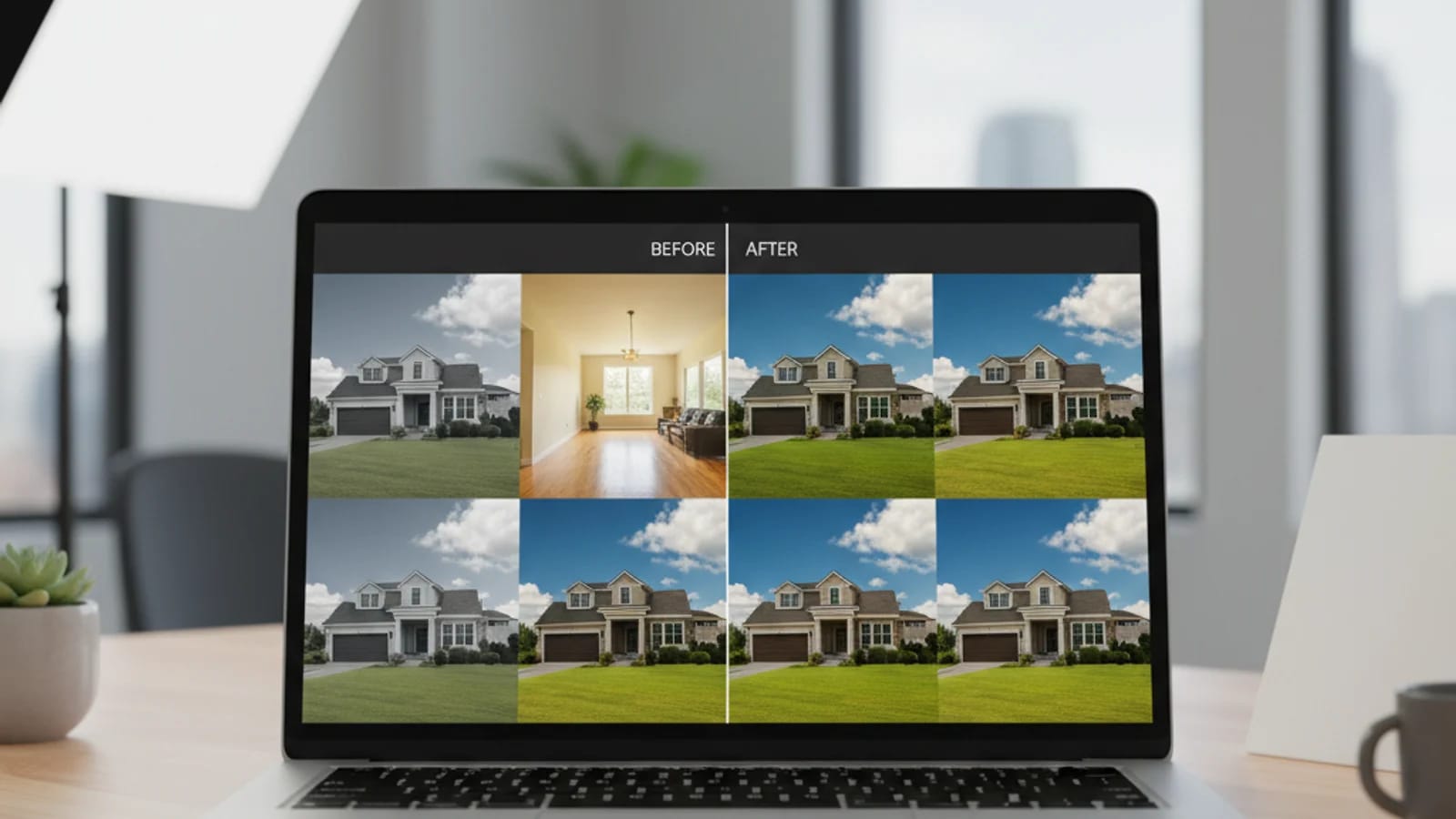
A real estate batch workflow is not just "apply preset to folder." Real estate photography has specific corrections that have to survive across an entire gallery without per-frame babysitting. A serious batch system needs to handle color and white-balance consistency across rooms, vertical alignment and perspective using techniques like Adobe Upright corrections, HDR merging without halos, and selective sky replacement on exteriors only.
As Zillow notes in their digital curb appeal guide, the exterior cover frame is often the only image a portal browser ever judges you on. A batch system should detect exterior shots and replace the sky on those frames specifically, without trying to fix interior images. Object removal at scale matters too: running exterior retouching in batch mode across a street-view series turns a 20-minute manual task into a one-pass cleanup.
From solo photographer to volume operator
The honest math on scaling a photography business is straightforward. If a single listing's post-production drops from 60 minutes to 15 minutes — including review and final QC, not just the AI run — your weekly editing budget shifts from "the limiter" to "comfortable." That does not automatically double your shoot capacity, but it removes editing as the bottleneck.
The other lift is turnaround time. Agents talk to each other. The photographer who reliably delivers an edited gallery the same evening — not 48 hours later — wins the repeat work and the referral. The teams that have already moved to the in-house scaling workflow are increasingly expecting external photographers to match that cadence.
In-house AI vs. outsourced editors
Outsourcing to overseas editing studios has been the default for years. It works — and for some teams it still makes sense — but the trade-offs are real: round-trip time of 12–24 hours, a separate revision cycle, and the awkwardness of sending raw client-property files to a third party. AI batch editing is not free, but it is closer to in-house quality at a fraction of an editor's monthly cost, and the round-trip time collapses to minutes.
Most viable photography businesses now run both: AI batch as the default, an outsourced editor reserved for the genuinely difficult shots — heavy compositing, fine retouching on luxury inventory. The other underrated angle: a batch-AI-equipped photographer can offer upsells the same day. Once a folder is processed, you can run video slideshows or short reels on the cleaned set in the same session and add an extra deliverable to the invoice without an extra visit.
Future-proofing: where the volume contracts are going
The volume side of real estate photography — large brokerages, developer launches, build-to-rent operators — is moving toward end-to-end media partners. The NAR REALTOR Technology Survey tracks how quickly social, video, and AI tooling adoption is climbing among agents and brokerages, and that pressure flows downstream to the photographers they hire.
A photographer who can deliver photos, decluttering, furniture removal, and short-form video for a 50-listing pipeline in a week is in a different conversation than one who is competing on per-shoot price. Batch AI is what makes that delivery possible without hiring a team.
Sources and further reading
Frequently asked questions
How long does AI batch editing actually save per listing?+
Honestly, it varies. The realistic range is somewhere from 30% to 70% off post-production time, depending on how much manual cleanup the gallery still needs after the batch pass. The biggest gains come from consistency tasks (color, verticals, sky) and repetitive tasks (object removal across a street series). Hero-frame fine retouching still benefits from a human touch.
Will batch editing make my photos look generic?+
Only if you treat batch as one preset for everything. A good batch workflow is more like a foundation pass — it handles the boring 80% of corrections that should be consistent across a gallery, leaving you 15 minutes per listing to do the bespoke work that makes your brand recognizable.
Should I still use Lightroom alongside an AI batch tool?+
Yes, for many photographers. The cleanest workflow tends to be: cull and basic color in Lightroom, send to AI for batch enhancement and object removal, return to Lightroom for any final hero-frame edits. Treat the AI tool as a stage in the pipeline, not a replacement for your existing editor.
What kind of photography contract benefits most from batching?+
Volume contracts where consistency matters more than per-image artistry — brokerage portfolios, developer pre-launch shoots, build-to-rent operators, property management companies. For one-off luxury commissions, batching matters less; the agent is paying you for hand-finished work.
Topics covered in this guide
real estate photo batch editing, real estate photography business, ai batch editing for photographers, scale real estate photography, real estate photo workflow.